![operabase-logo.png]](https://help.operabase.com/hs-fs/hubfs/Operabase%20Logos/operabase-logo.png?height=29&name=operabase-logo.png)
Adding a production with missing programme, or partially announced musical works
To add a production with unannounced or partially announced musical works, follow these steps:
- Log in and click on “Edit” on your Operabase profile.
- Navigate to the “Seasons” tab.
- Click on "Add production"
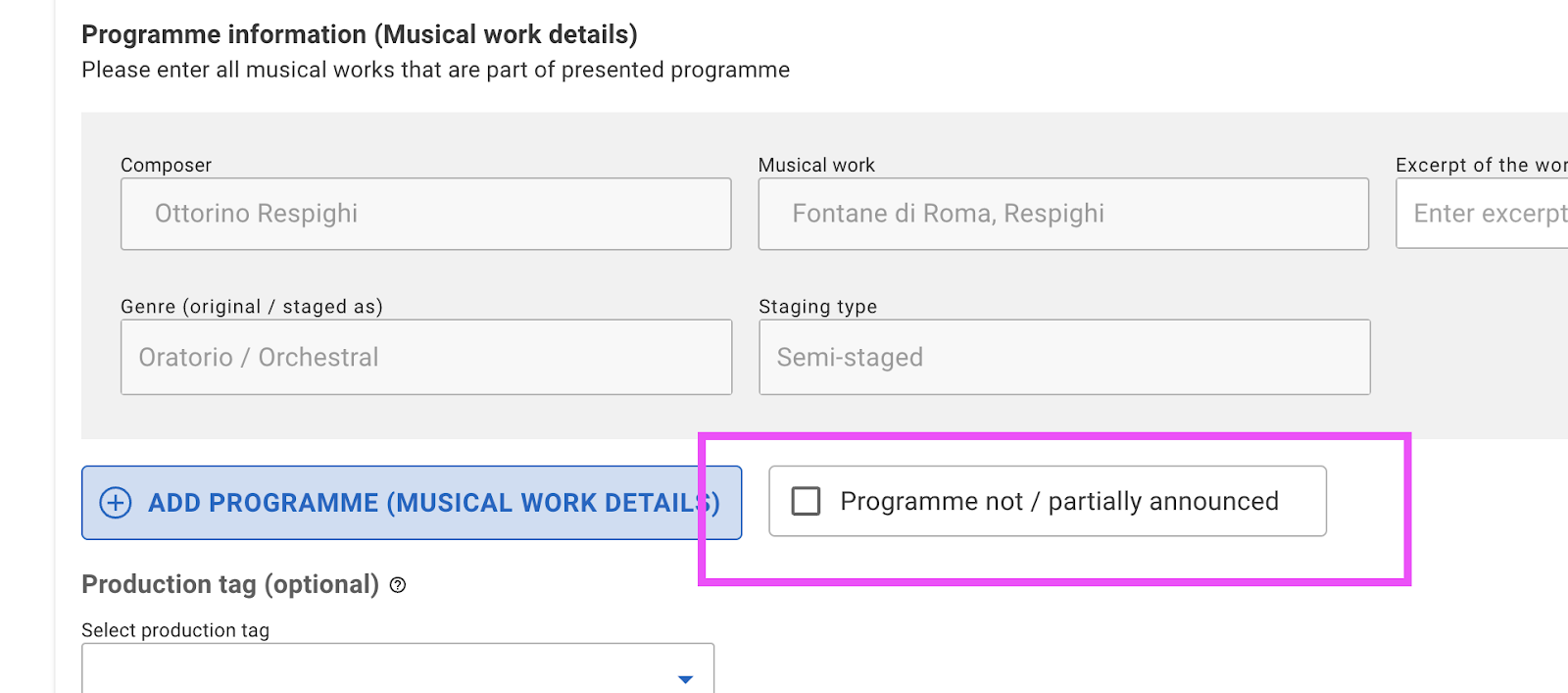
- Use the checkbox "Programme not / partially announced." Please note that this should only be used when the programme is yet to be announced or has been partially announced. This is particularly useful for concerts, galas, and recitals. Keep in mind that the production won't be easily discovered in Performance search since it is incomplete — performed works are missing.
- Once the programme has been released in full, return to the production and use the "Add programme (musical work details)" button to add details of all musical works performed in the production.
- Ensure to add artists correctly under the Cast & Crew section, associating each performer to the correct roles per each Musical work presented in the programme. This will make sure artists are found in the Casting Tool.
- You can remove the flag “Programme not / partially announced” only when no artists are listed under tab “Programme not announced” in Cast & Crew section