![operabase-logo.png]](https://help.operabase.com/hs-fs/hubfs/Operabase%20Logos/operabase-logo.png?height=29&name=operabase-logo.png)
How do I add a role that isn’t listed?
-
Log in to your account and navigate to the Performance Credits.
-
Select the production you wish to edit.
-
Under Cast & Crew:
- Click on Add a profession if you are part of the crew and the profession isn’t listed.
- Click on Add a role if you are part of the cast and the role isn’t listed.
- Make sure that the performance dates are selected to ensure the role reflects on your repertoire.

How can I show that I was a cover / standby for a production?
-
Log in to your account and navigate to the Performance Credits.
-
Select the production you wish to edit and click on Cast & Crew.
-
Identify the role / profession in which you were a cover and click the checkbox labelled Add a Cover Role.
-
Add you name in the box and click on Add.
-
Ensure you select the dates that you covered the role / profession so that this role / profession reflects on your repertoire.
-
The role will appear with the words Cover in brackets to distinguish between a cover and non-covered role / profession.

How do I add a new composer?
When adding a new production to your schedule, in the first step (Production information) you will be required to add musical work details.
In that popup, type the composer’s name. If the composer is not on our database, you will need to click on Add new composer.
Please fill in as many details as possible to enable our team to verify the information added. (Please note that verification can take some time)

How do I add a new musical work?
When adding a new production to your schedule, in the first step (Production information) you will be required to add musical work details.
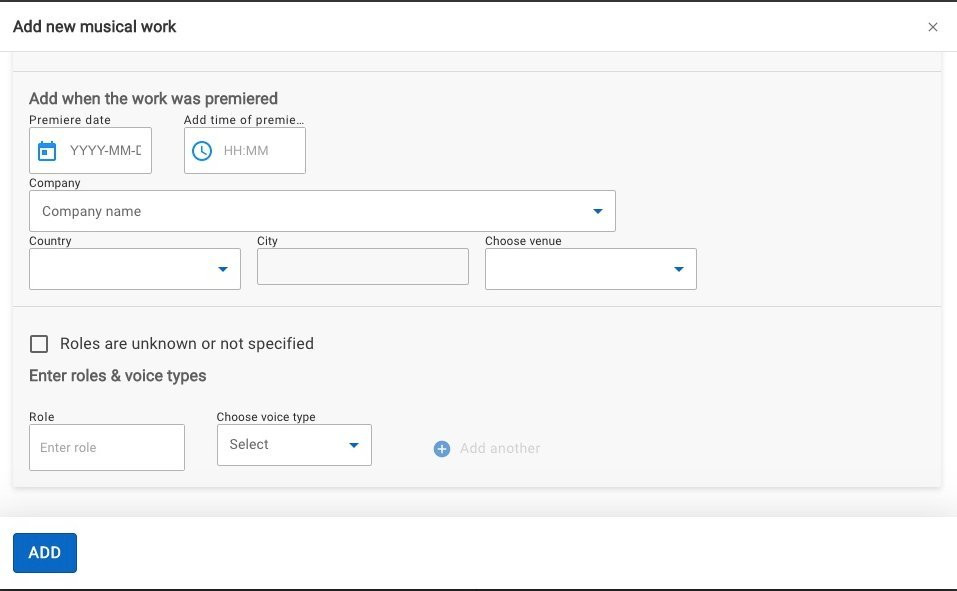
In that popup, type in the musical work. If the work is not on our database, you will need to click on Add new musical work.
Please fill in as many details as possible including the roles to enable our team to verify the information added. (Please note that verification can take some time)
How do I add a new artist who performed but doesn’t appear in the search results?
To add an artist to a production, click on the Cast & Crew step and identify the role / profession in which you wish to add a name.
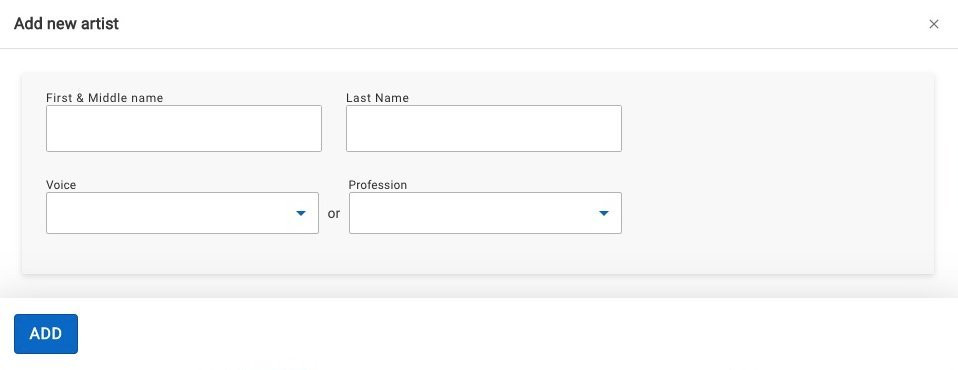
Type in the artist’s name and confirm that they are not on the database by looking through the suggested options. If the artist is not on our database, you will need to click on Add new artist.
Please add their names and voice type / profession. (Please note that verification can take some time)
How do I add a production that isn't on Operabase yet?
We only list the cast once the information has been published by the company / theatre and is available on their website.
You can log in to your profile and add the production to your schedule if you already have confirmation of your participation, however please note that it will not be red masked until the theatre publishes the cast and you submit the proof for red mask verification (please see our FAQ section here regarding what material is required for red mask verification).